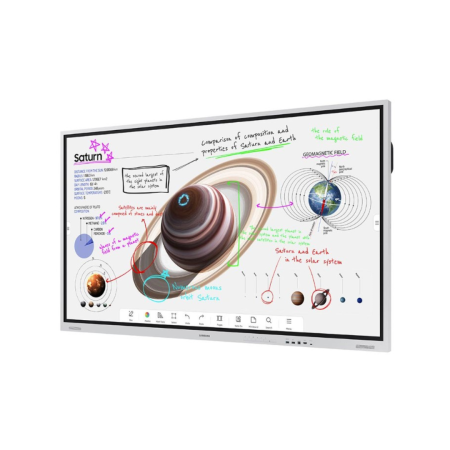
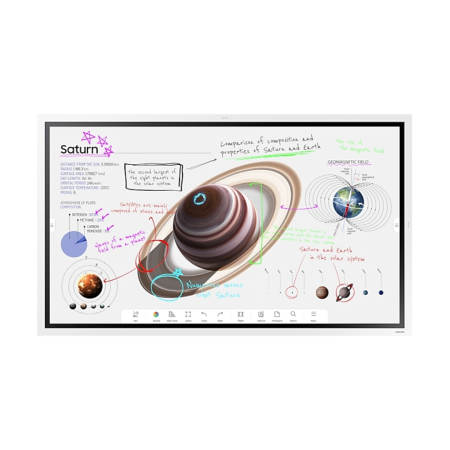
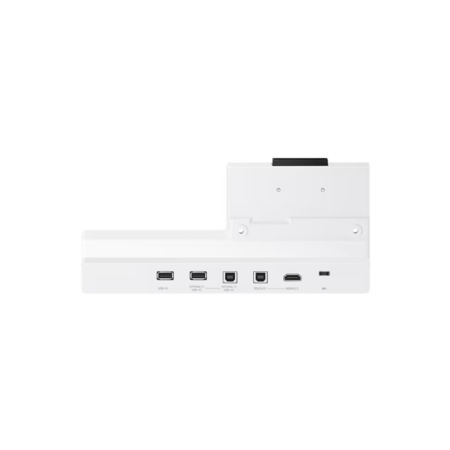
An interactive whiteboard for classroom teaching is a large touch screen display that replaces a traditional whiteboard or projector. Teachers and students can write over lesson content and share it from one screen.
At Grade A Technology, we’re home to an excellent selection of new,open boxed and refurbished Samsung interactive displays, including Flip Pro and WAF and WAD e-board models from 65″ to 86″, with free delivery to mainland UK.
Interactive whiteboards put your lesson notes and video on the same screen. For most schools, it’s just about finding the best screen size and model.
What an interactive whiteboard adds to your lessons
Student Engagement and Lesson Delivery
Boost engagement and interactivity: Students can come to the board and move digital content around. Live polls and quizzes show who’s understood the lesson so you can gauge student engagement and understanding before moving on.
Mix video with hands-on work: Play a short video, then ask students to label key points on the touch screen. A stylus is available depending on the model.
Instant access to online resources: Open websites and educational tools straight from the display.
Annotate images and save your lessons
Annotate images and documents: Edit text and highlight sections of interest in real time.
Group problem solving: Multiple students can work on the same board at the same time and edit each other’s work. Group projects and other group activities work well, because real-time collaboration lets students build on each other’s answers.
Remote learning and lesson recording: Share lesson content with remote students so they can follow along. Capture lessons for revision on models that support recording.
Multimedia presentations: Show videos, images, audio files or office documents on the interactive display via easy-to-use software.
Save and reuse lessons: Save lesson content once, then reuse it with other classes so you don’t have to repeat lesson planning and preparation.
Remote learning and multi-device access
Class and individual participation: Students in the classroom or those remote can view and complete the same digital tasks. Changes on screen in the classroom appear for everyone else in real time, so you can teach in-person and remote students in the same lesson.
Share from students’ own devices: Use wireless screen sharing to cast content to the board, so teachers and students can present work from any device they choose.
Digital whiteboards vs traditional whiteboards and projectors
Traditional whiteboards only show what you write on them. A projector shows images and videos but standing in front of them casts a shadow. An interactive whiteboard does the job of both on a single touchscreen.
Newer models are flat panel interactive displays and most include a built-in operating system. The Samsung WAF and WAD e-boards run Android, so you can use apps on the display itself, or connect the board to a computer or mobile device.
How to choose the right interactive display for your classroom
Screen size
Match the screen size so students can see the board wherever they’re sat. Our range includes 65″, 75″, 85″ and 86″ interactive displays. Measure the distance from the board to the furthest seat before you choose. If you’re in doubt, go a size bigger than you think.
Touch screen features to check
The number of simultaneous touch points sets how many students can write on the screen at once, so check this on the model you choose. We also recommend looking for low latency and palm rejection so there are no delays between a writing motion and letters appearing on the screen.
Wall mounted or on a stand
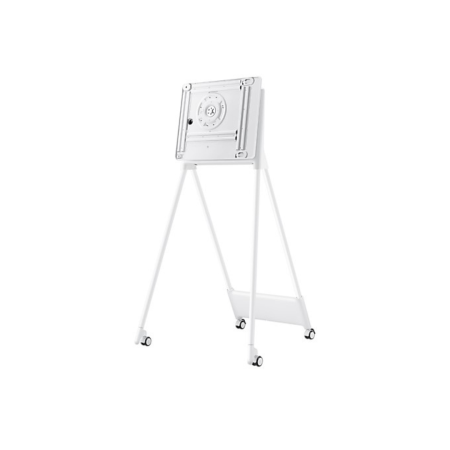
A wall mounted screen saves floor space, but your wall needs to be strong enough to take the weight. If that’s not practical (like if you have a partition wall or need to move the screen between classrooms regularly), use a floor stand.
Buy Smart Boards for Your School from Grade A Technology
If you’re looking for an innovative, attention-grabbing way to maximise the learning potential of your class, smart boards are a great place to start. You can find all the tools you need at Grade A Technology.
With a selection of new and refurbished digital screens, including plenty of interactive options, we’ll always have the ideal screen to meet your educational needs.
Plus, if you’re on a tight budget, a refurbished interactive whiteboard costs less than buying new. Our in-house team checks and grades every refurbished screen, each carries a Grade A or Grade B rating, so you know its cosmetic condition before you order.
Read our grading specifications for the full criteria.
Browse the interactive displays for classrooms on this page, or call our team on 01462 337033 or email sales@gradeatechnology.co.uk. Just give us the room size and how many screens you need and we’ll recommend the best models for your budget.
Interactive whiteboards are large touch screens that take the place of dry-wipe board and projectors. In a typical lesson, you can write over a worksheet, play a short video, then ask students to solve a problem on the screen. Anything written can be saved for the next lesson.
Yes, especially with the interactive features. One of the biggest benefits is the time saved by reusing lessons and having students working directly on the boards. Interactive lessons can take a bit of prep at first, but with some training, you’ll see the benefits.
It depends on the features you want and how your teachers plan to use it in their lessons. You’ll need one the whole class can see and read. After that look for 4K Ultra HD resolution for text, enough touch points for group work and software that’s easy to learn. If you’re putting boards in multiple classrooms, refurbished screens could be a workable option without reducing quality.
You’ll need a wall mount or floor stand and cabling to computers you want to connect. Displays with a built-in operating system, like the Android WAF and WAD e-boards run apps directly without needing a computer.
If you set them up correctly, then yes. Your display runs the lesson in the room with remote students using video conferencing or a shared screen. If you want this feature, check it’s available on the models you’re looking at.